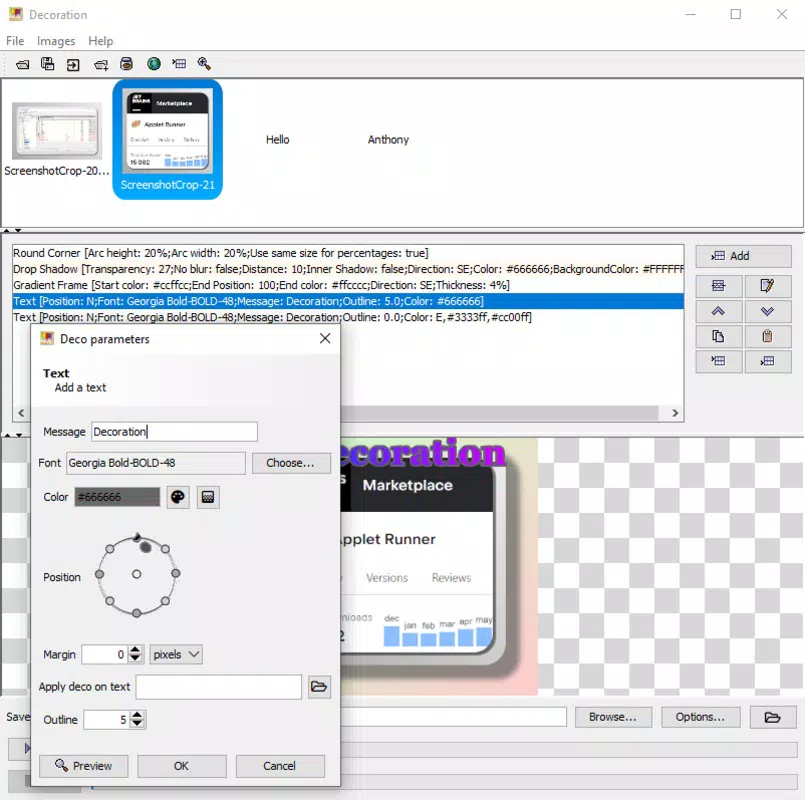
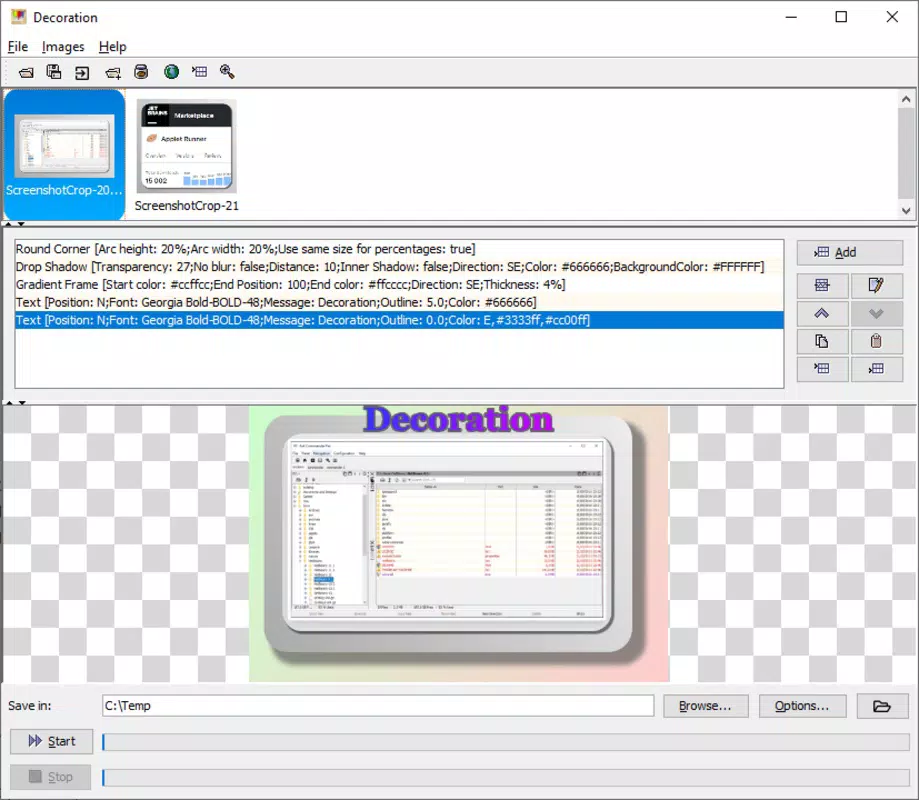

Download Decoration – Photo Editor, Image Effects, Creative Editing
Overview
Decoration is a mobile photo editing application designed to empower users with a wide range of creative tools for transforming digital images. As a photography-focused utility, it addresses the growing demand for accessible, high-quality image enhancement on smartphones. The app enables users to apply over 80 distinct effects, making it suitable for both casual photo sharing and more intricate digital art projects. Its core purpose lies in simplifying the process of creative editing, allowing individuals to experiment with color, shape, texture, and composition without requiring advanced design skills.
Target users include amateur photographers, social media content creators, and anyone seeking to personalize their photos with artistic flair. The app’s ability to import images from multiple sources—including local storage, web links, and the clipboard—supports real-world workflows where images originate from diverse platforms. Additionally, the option to begin with a blank canvas offers flexibility for users who wish to build compositions from scratch.
While the developer, S.L. A, has not disclosed further background information, the app’s release date of February 6, 2025, indicates it is a recent entrant in the mobile photo editing space. Its presence in the photography category suggests a focus on user-driven creativity rather than professional-grade workflows.
Key Features & Functionality
- Extensive Effects Library: With over 80 built-in effects, Decoration provides a broad spectrum of visual transformations. These include color borders, mirrored reflections, embossing, oil painting simulation, and more, allowing users to explore diverse artistic styles. Each effect can be customized to suit individual preferences, enhancing the personalization of the final output.
- Flexible Image Import: Users can access images from various sources such as internal storage, online links, and the clipboard. This feature streamlines the editing process by reducing the need for external file transfers, particularly useful for users who frequently gather images from social media or messaging apps.
- Blank Canvas Mode: The app allows users to start with a blank workspace, enabling full creative control for digital painting or collage creation. This functionality is especially valuable for artists and designers who want to build compositions without relying on pre-existing images.
- Adjustment Tools: Decoration includes basic yet effective tools for brightness, contrast, and noise reduction. These features support foundational image corrections, helping users improve clarity and visual balance before applying artistic effects.
- Example Gallery: The app provides more than 80 sample images demonstrating the potential of its effects. These serve as practical references, helping new users understand how different filters and manipulations can alter an image’s appearance and guiding them in selecting suitable options.
For example, a user preparing a social media post might import a photo from their gallery, apply a vintage oil painting effect, and adjust contrast to enhance mood. Another user could use the blank canvas to create a layered digital artwork, combining imported elements with stylized borders and textures.
Interface, UX & Performance
Decoration features a clean, intuitive interface designed for ease of navigation. The layout prioritizes accessibility, with effect categories clearly labeled and visually distinct. Users can browse through the effects library with minimal effort, and the application of filters is typically immediate, with minimal delay between selection and preview. The interface supports touch-based interaction, making it responsive to finger gestures such as tapping, swiping, and pinching.
Although the developer did not list formal performance metrics, the app’s file size of 14.4 MB suggests a lightweight design optimized for efficient operation on mid-range Android devices. The app appears to maintain stability during typical editing sessions, with no reported crashes or freezes in available documentation. Responsiveness across different screen sizes and resolutions is expected, given the standard Android development practices. However, specific performance benchmarks or compatibility with older devices were not disclosed. The app’s performance on low-memory devices remains unverified, though its compact size indicates potential for smooth operation on a broad range of hardware.
Platform Compatibility & Technical Requirements
Decoration is available exclusively on the Android platform, targeting users of Android-based smartphones and tablets. The current version is 1.0.2, released on February 6, 2025. The app has a file size of 14.4 MB, which is relatively small, indicating a streamlined design with minimal bloat. This makes it suitable for users with limited storage space or slower internet connections.
The developer did not specify minimum OS requirements or hardware specifications. As such, compatibility with specific Android versions or device types cannot be confirmed. Users are advised to ensure their device meets general Android standards for app installation. The absence of detailed technical information means that installation success may vary depending on individual device configurations, though the app’s lightweight nature suggests broad accessibility.
Pros and Cons
- Over 80 customizable image effects for creative exploration
- Supports multiple image sources, including clipboard and web links
- Includes a blank canvas for original digital artwork creation
- Lightweight design at just 14.4 MB
- Free to download and use with no in-app purchases
- Developer did not provide OS version or hardware requirements
- Performance on older or low-end devices not confirmed
- No information on cloud sync or export formats beyond basic saving
- Advanced editing tools may be limited compared to professional software
- Example gallery is helpful but may not cover all niche artistic styles
FAQ
Is Decoration safe to download and install?
Yes, the app is available for free on Android and does not require root access. It is distributed through official channels, and its file size suggests it is not bundled with malware. However, users should always download from trusted sources to ensure security.
Can I use Decoration on iOS devices?
No, the app is currently available only for Android. There is no official iOS version or release timeline provided by the developer.
Does Decoration require an internet connection?
While the app does not need constant internet access for editing, importing images from websites or online sources may require a connection. Offline functionality is supported for most features.
How often is Decoration updated?
The latest version is 1.0.2, released on February 6, 2025. The developer has not disclosed a regular update schedule, so users should check the app store periodically for new releases.
What file formats does Decoration support?
The app supports common image formats such as JPEG and PNG. Specific export options or additional format support were not detailed in the provided information.
Final Thoughts
Decoration stands out as a versatile and accessible mobile photo editor, offering a rich set of effects and flexible import options in a lightweight package. Its user-friendly interface and free pricing model make it ideal for casual users and content creators who want to enhance their images without complexity. While advanced users may find some limitations in customization depth, the app delivers strong value for its simplicity and creative potential. With over 80 effects and a built-in example gallery, it serves as both a practical tool and a source of inspiration.
Whether you're enhancing vacation photos, creating social media content, or experimenting with digital art, Decoration provides a solid foundation for creative expression. Its compact size and no-cost access ensure broad accessibility across Android devices.
Download Decoration now


